Build with a visual system
Use reusable templates, site-wide controls, and the WordPress content you already own.
Compare Toolcaise with Elementor, Divi, Bricks, and prompt-first website builders—then join the early-access list for a workflow built around reusable systems, previews, and recoverable publishing.
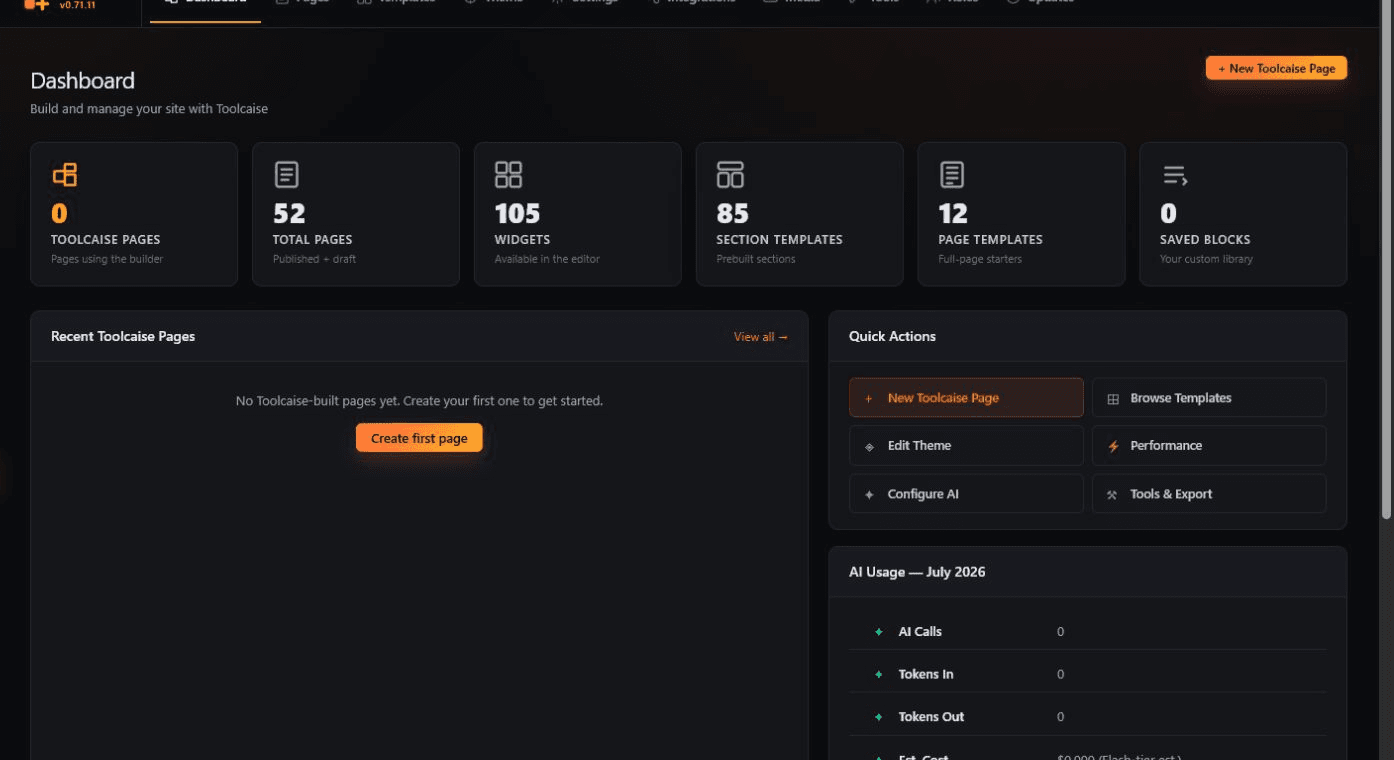
01 / Compare the workflow
Elementor, Divi, Bricks, and prompt-first builders each optimize a different part of website work. Toolcaise is for teams that need the builder, the publishing details, and the recovery path to stay connected.
| Workflow / capability | Toolcaise | Elementor / Divi / Bricks | Prompt-first AI builders |
|---|---|---|---|
| 01Visual page building | Included | Core capability | Varies by platform |
| 02Reusable site systems | Included | Available; implementation varies | Varies by platform |
| 03Publishing controls | Kept with the page workflow | Review the product and stack | Review the platform |
| 04Preview before publish | Built into the workflow | Review the product and stack | Varies by platform |
| 05Revision-aware recovery | Built into the workflow | Confirm the restore path | Confirm the restore path |
| 06Managed multi-site rollout | Available on paid plans | Varies by product and setup | Varies by platform |
Category-level comparison, not a feature-for-feature verdict. Confirm current vendor features for your own stack using the official Elementor, Divi, and Bricks product pages.
02 / Builder to rollout
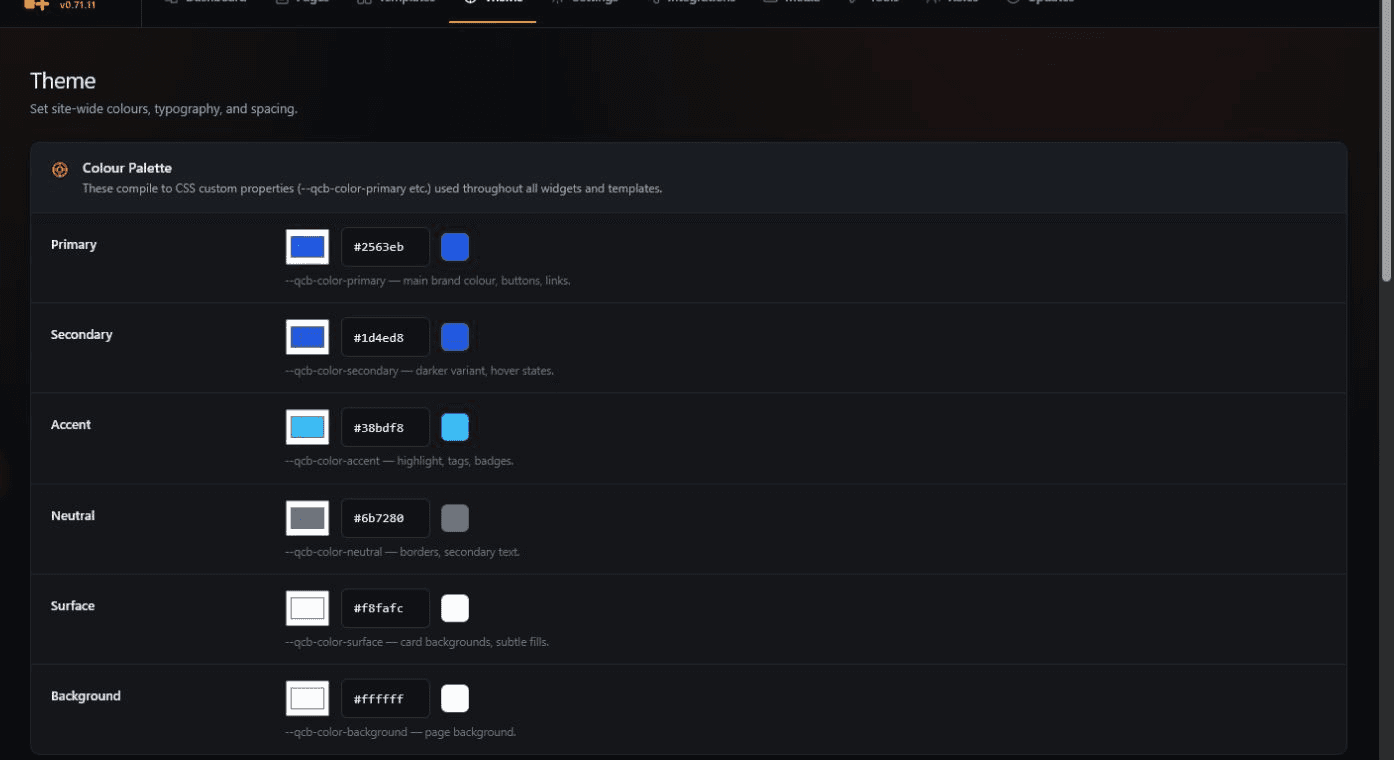
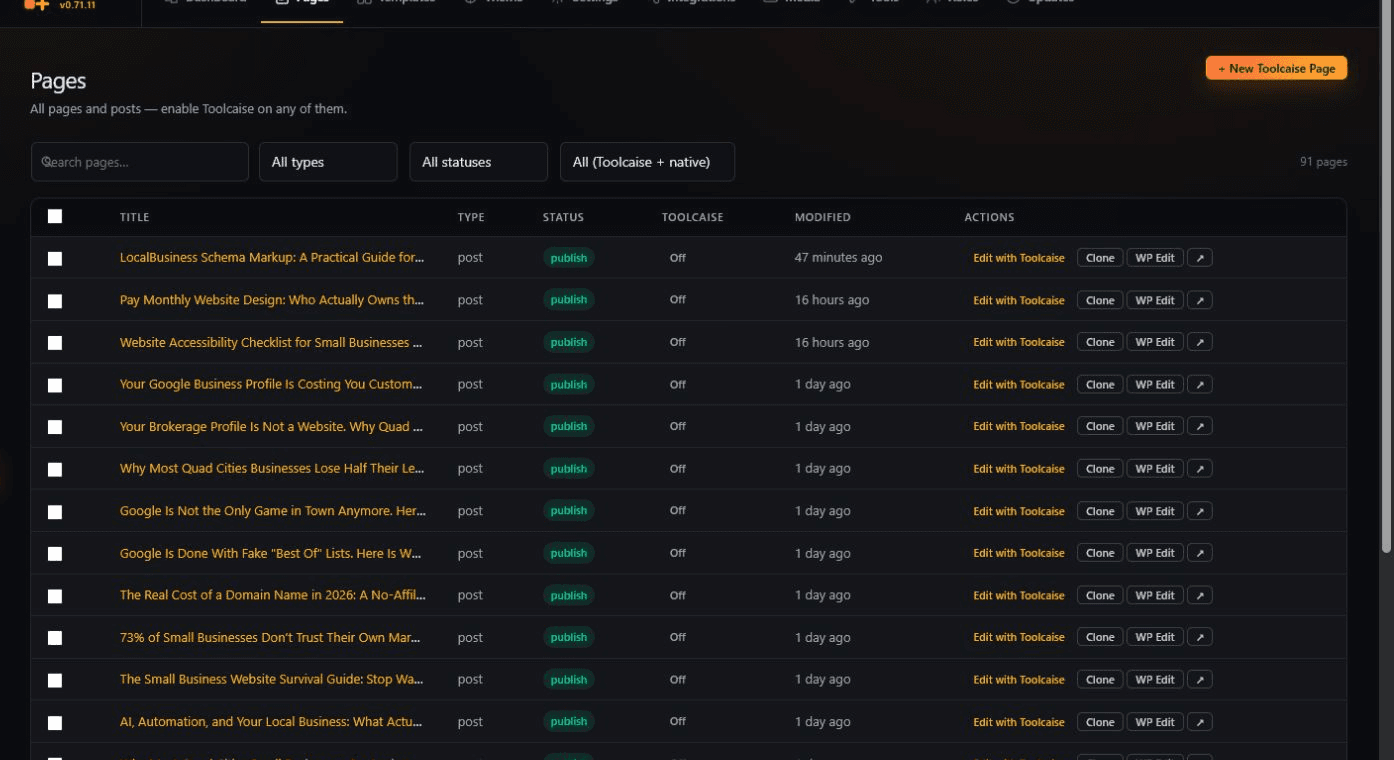
Toolcaise connects the work that usually gets split across the editor, SEO settings, release notes, and client-site operations.
Use reusable templates, site-wide controls, and the WordPress content you already own.
Preview the page, inspect publishing details, and keep the current live version close.
Release deliberately, retain history, and restore the prior page when the change should not stay live.
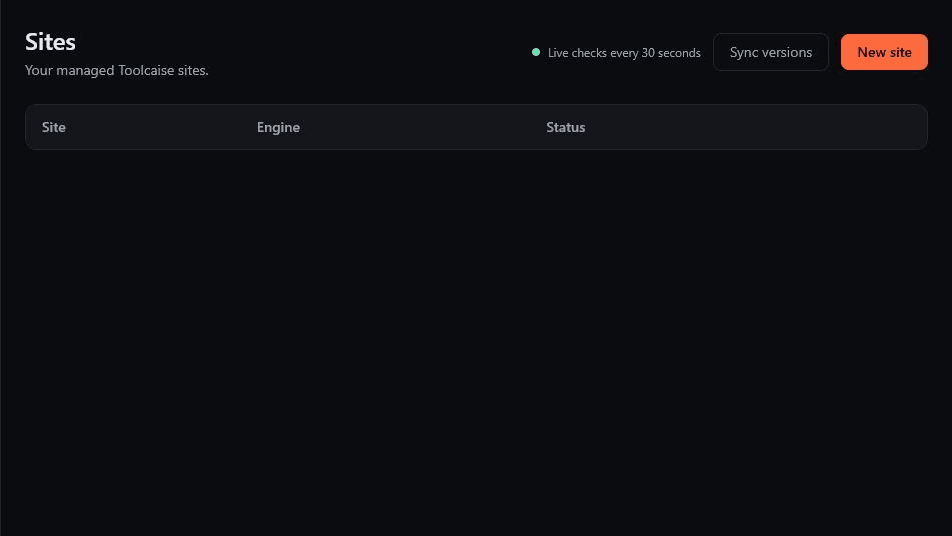
03 / Before you switch
Join the Toolcaise waitlist for product access, migration guidance, and a closer look at the builder-to-publish workflow.